How to Set up API Key
An API Key is a unique credential used to identify and authenticate requests made to the API. Each API request must include a valid API key so the system can identify the client that makes the request.
Important: API keys are sensitive credentials. Anyone with access to an API key may be able to access the API on behalf of your account.
You can manage your API Key in your dashboard. To manage your API Key, go to Settings >> Developer Option >> API Key tab.
Prerequisites
Before managing your API Key, ensure that:
- Your account has completed the onboarding process.
- Your account status is APPROVED and list of products you requested has been enabled for you.
Accessing API Key Management
Note: This menu is only available for users with Superadmin or Admin roles only. Users with Superadmin and Admin roles can view, generate, and re-generate API Key(s). Other roles cannot access the menu.
- Log in to the Dashboard.
- Go to Settings, then select the Developer Option.

- Select the “API Key” tab. In this tab, you will be directed to the API Key page, where all existing API keys of each product that are associated with your account are displayed. But first, you need to make sure our internal team has been activated the product for you.

Generating a New API Key
If no API key exists or if you need an additional key, you can generate a new one via the dashboard. Steps to generate an API Key:
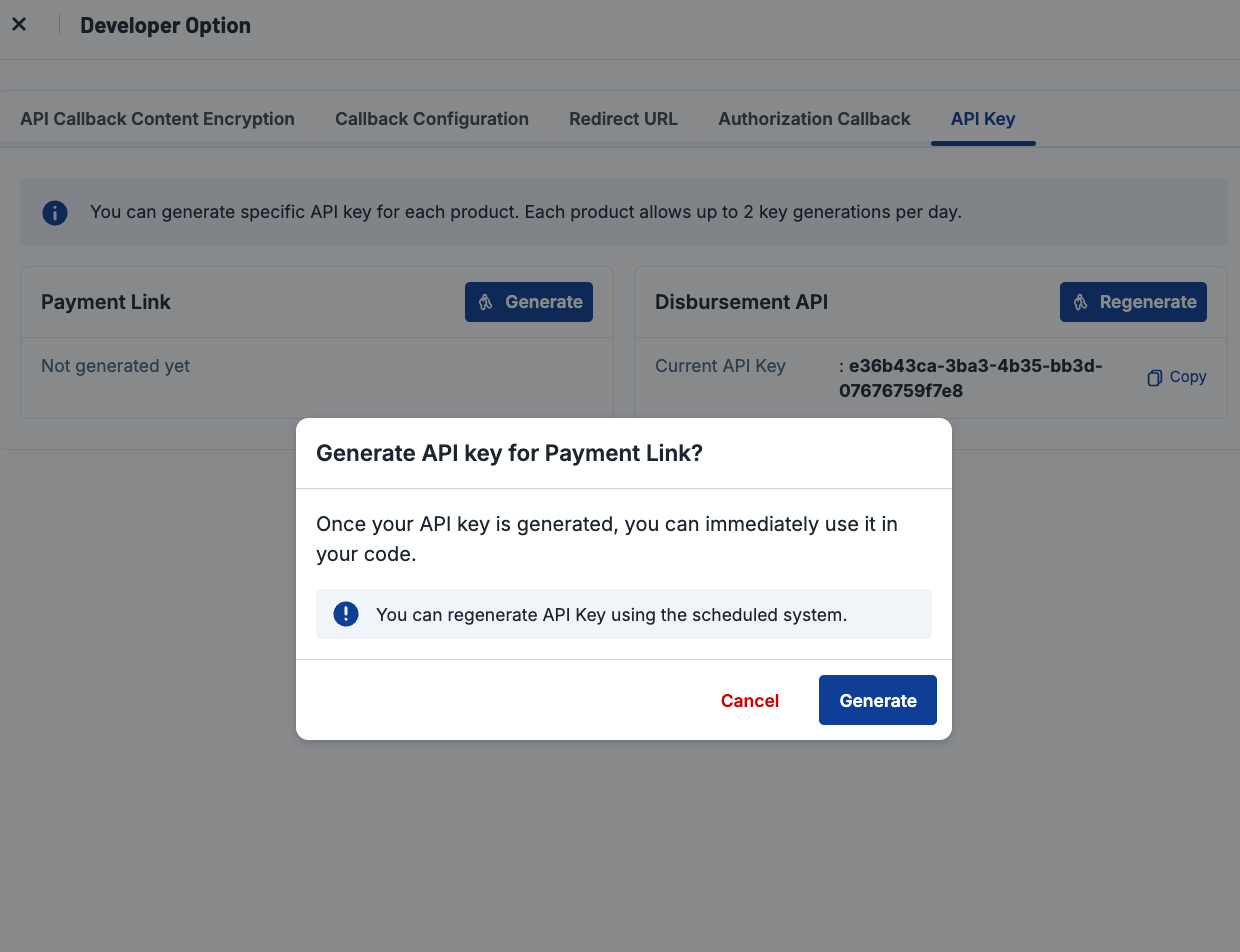
- Click button Generate in each product you use.

- Then, you need to confirm the action.
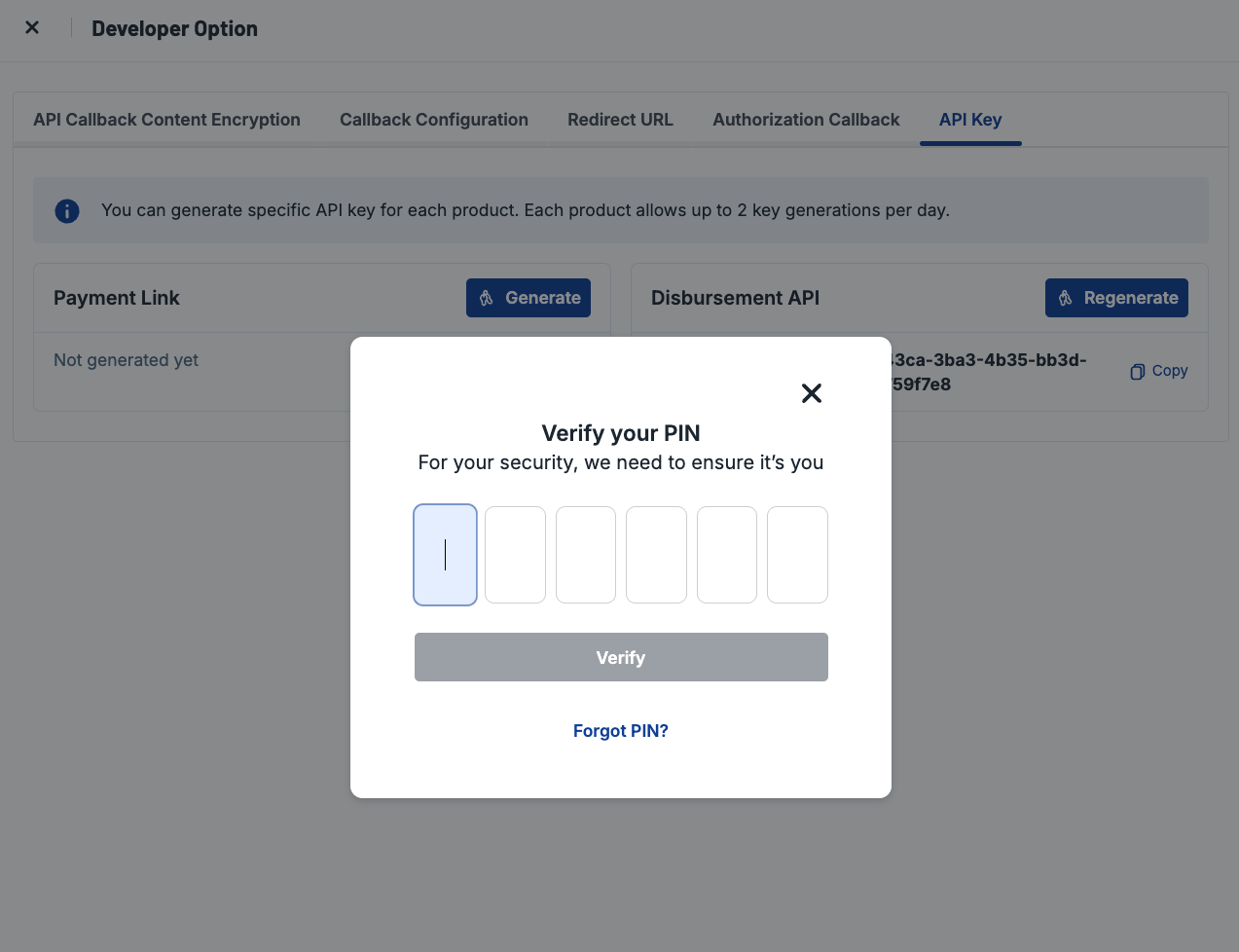
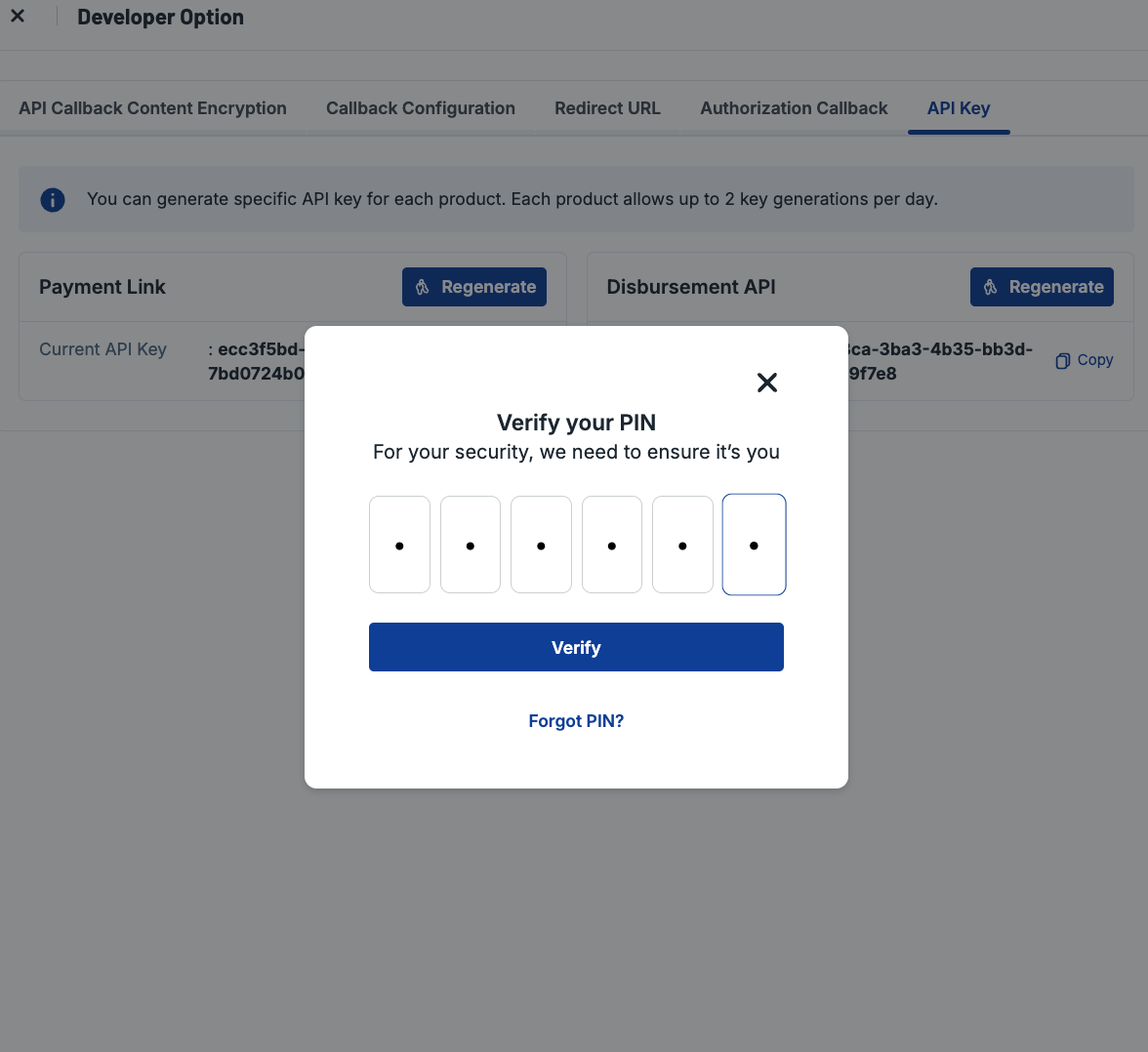
- After you confirm, you will be required to input your PIN. It is to enable extra security. Ensure you have inputted your PIN.
- Once your API Key has been generated, the new API key will be displayed. You need to copy and store your API key securely.
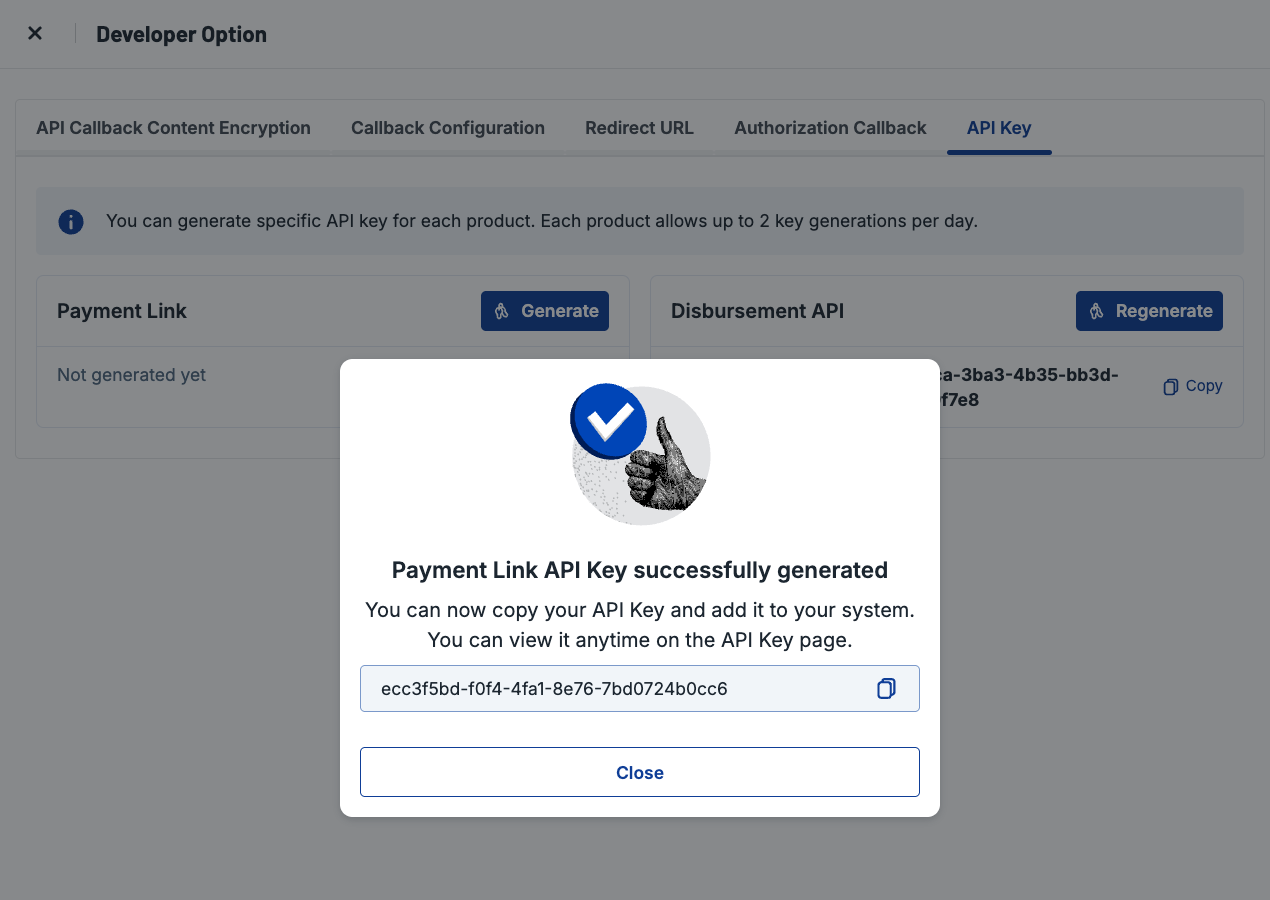
- The key will immediately be active and can be used to access the API. Your API Key is listed in the same page, so you can revisit later if needed.
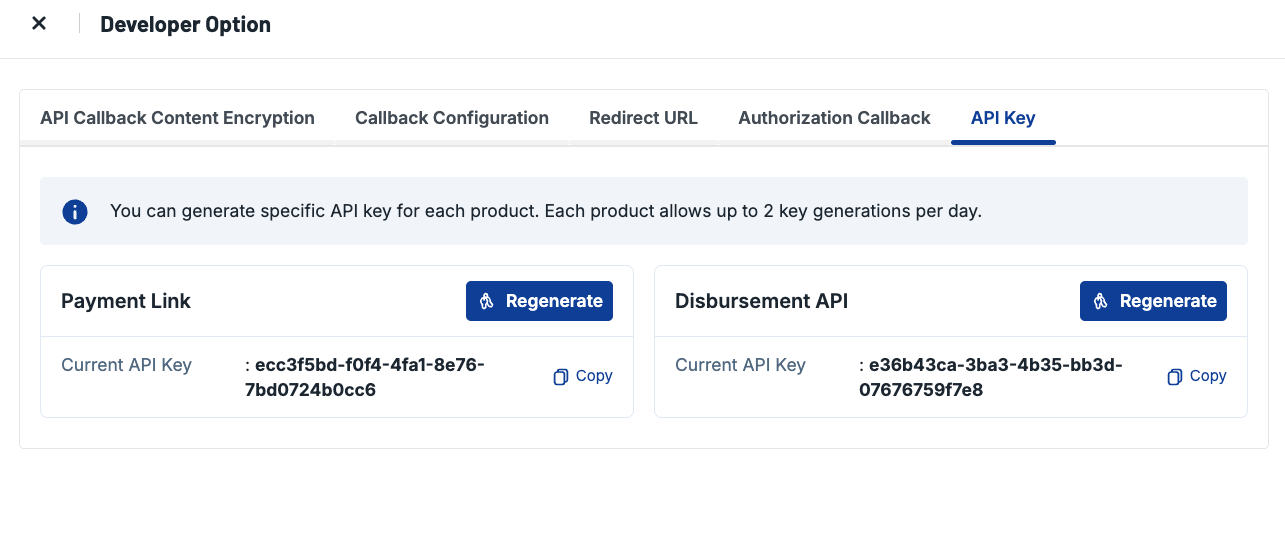
Re-Generating API Key
You can re-generate an API Key for a product that already have an API Key with maximum two attempts per product per day.
- In a product, click button Regenerate.
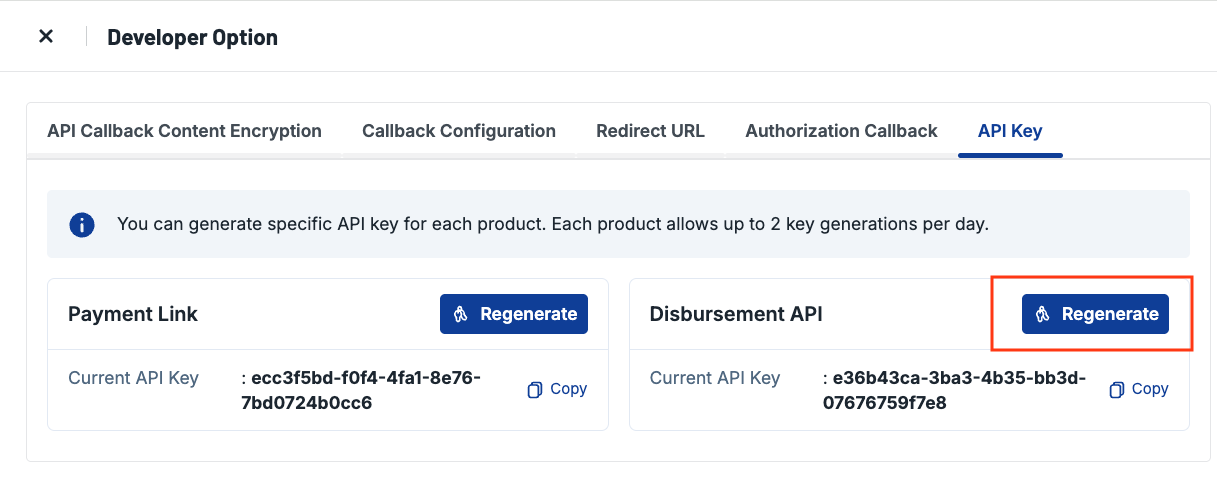
- You will need to verify your action by inputting your PIN for extra security.
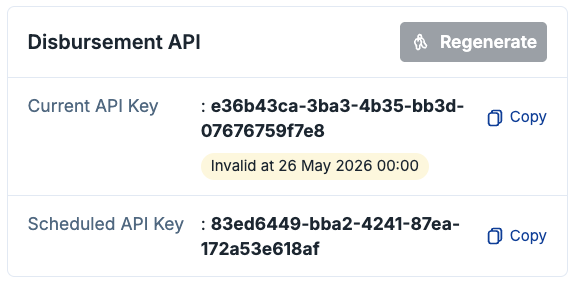
- To re-generate API Key, you need to define the schedule of when this new API Key should be valid. Defining schedule for the new API Key will prevent your application from downtime when API Key changes.
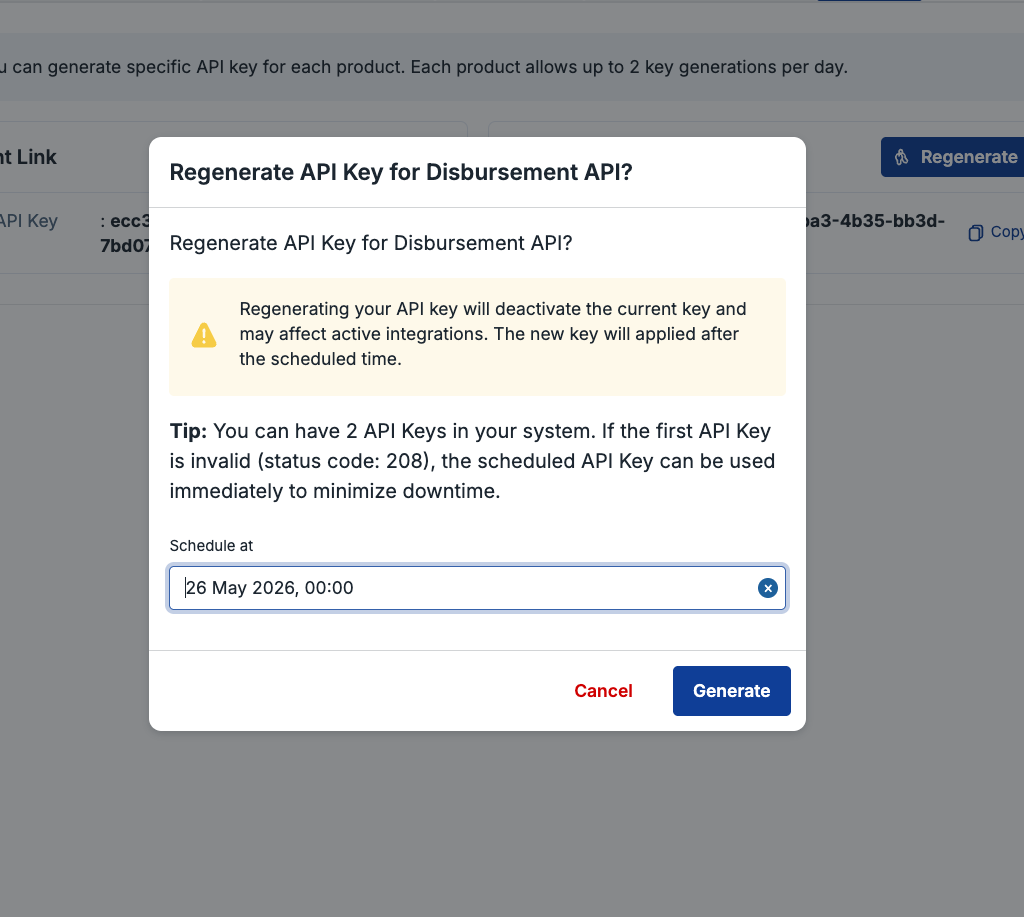
- Your new API Key will be generated. Please input your new API Key to your application BEFORE the defined schedule to prevent your system being down. The old API Key will no longer be valid once the new API Key is active.